Downloading a Minecraft world from your server is useful when you want to create a local backup, move your world to another server, continue playing it in singleplayer, or keep a copy of your world outside your Game Panel. A Minecraft world
Uploading a Minecraft world to your server is useful when you want to transfer an existing singleplayer world, move a world from another server, or restore a world from a backup. A Minecraft world contains all of the terrain, structures, pl
Command blocks are useful for Minecraft servers that use custom maps, minigames, adventure systems, teleportation systems, automated events, and other command-based mechanics. By default, command blocks may not be enabled on a Minecraft ser
Changing the gamemode of a Minecraft server allows you to control how players interact with the world. Minecraft has four main gamemodes: Survival, Creative, Adventure, and Spectator. Each gamemode provides players with different abilities
Changing the difficulty of a Minecraft server allows you to control how challenging survival gameplay is for your players. Minecraft has four difficulty settings: Peaceful, Easy, Normal, and Hard. The difficulty affects hostile mobs, damage
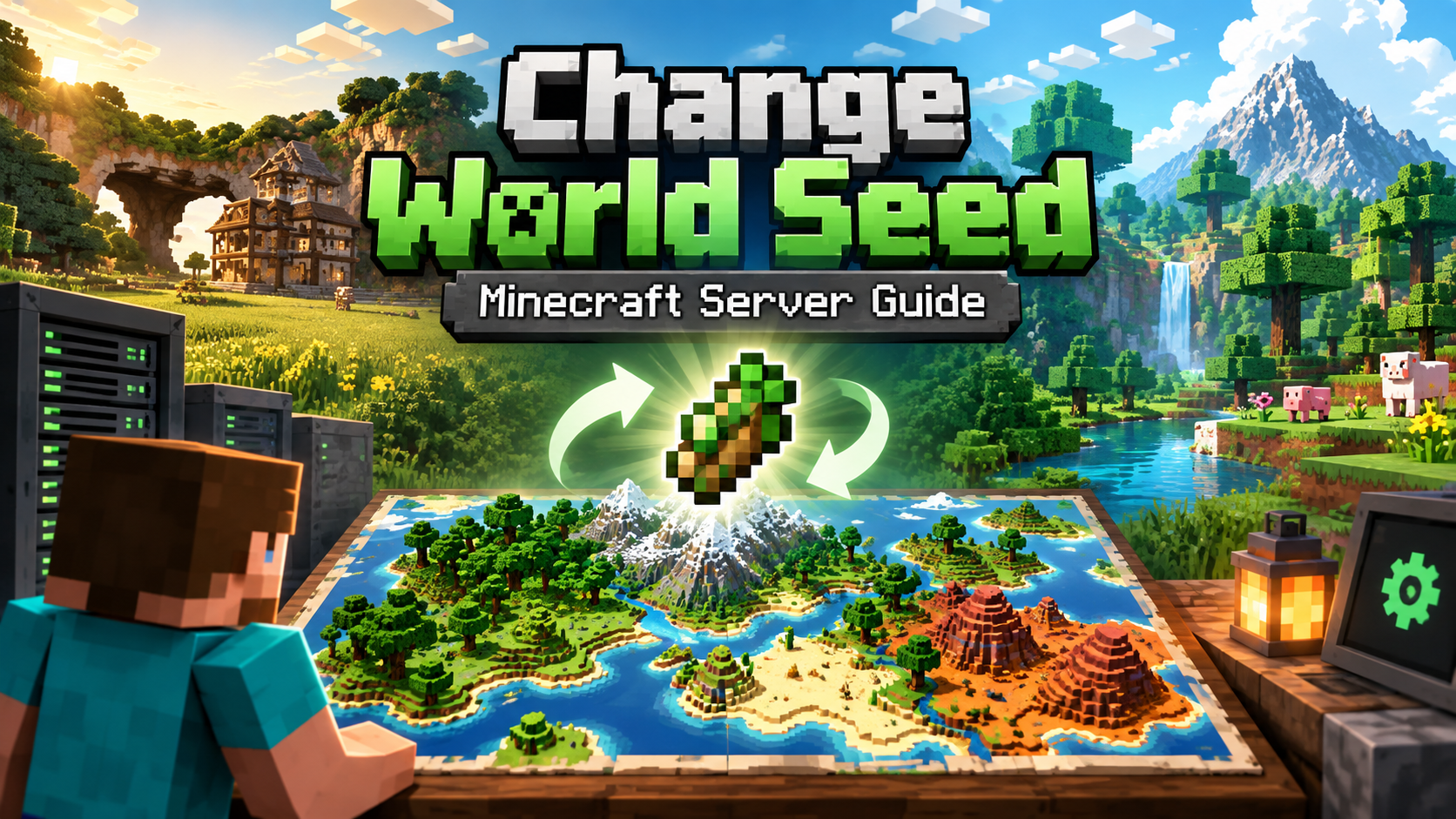
Learning how to change the seed of a Minecraft server is useful when starting a new world or when you want to generate a completely different map. A Minecraft world seed determines how the world is generated, including terrain, biomes, stru
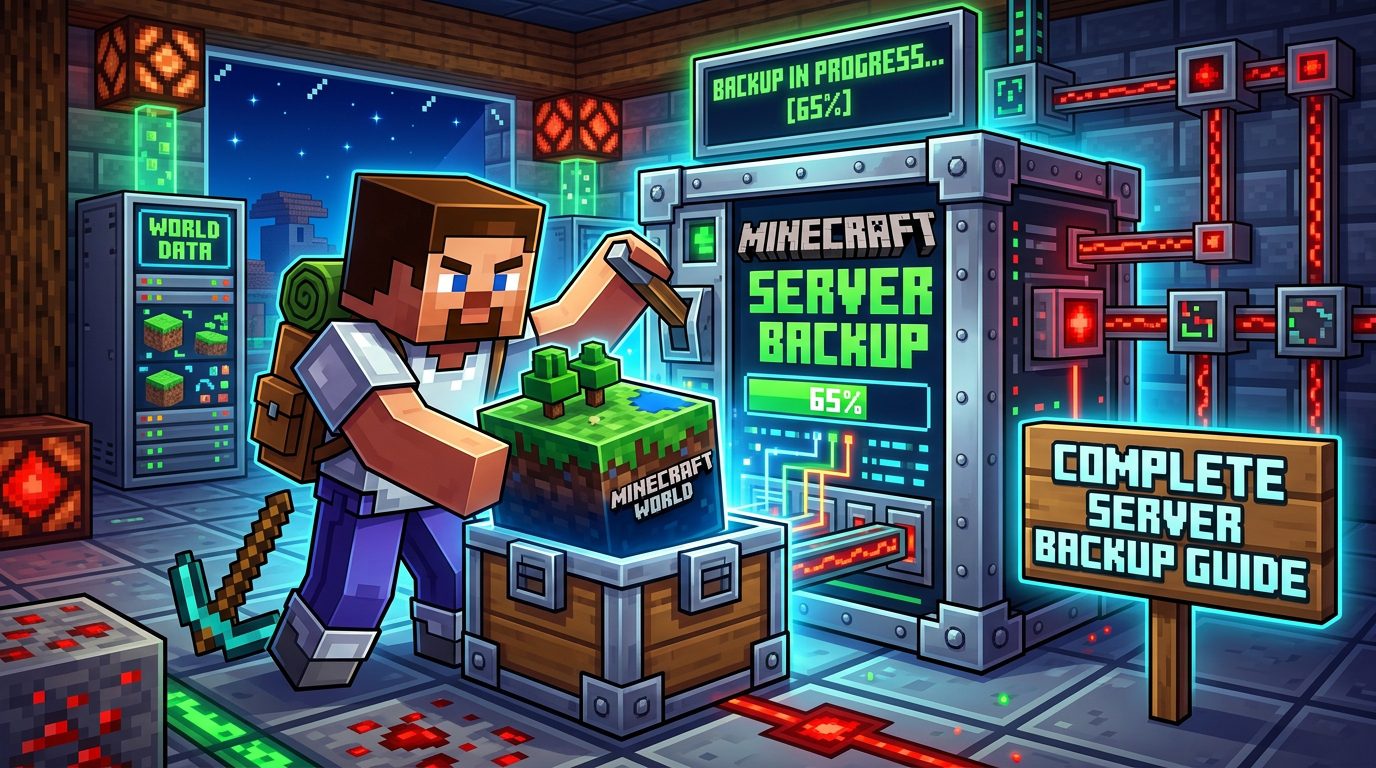
Learning how to backup a Minecraft server’s files is one of the most important things you can do as a server owner. A good backup protects your world, player progress, plugins, mods, and configuration files if something breaks or gets delet
If you want to change player slots on your server, you need to edit the max-players setting inside your server’s server.properties file. This setting controls how many players can be connected to your Minecraft: Java Edition server at the s
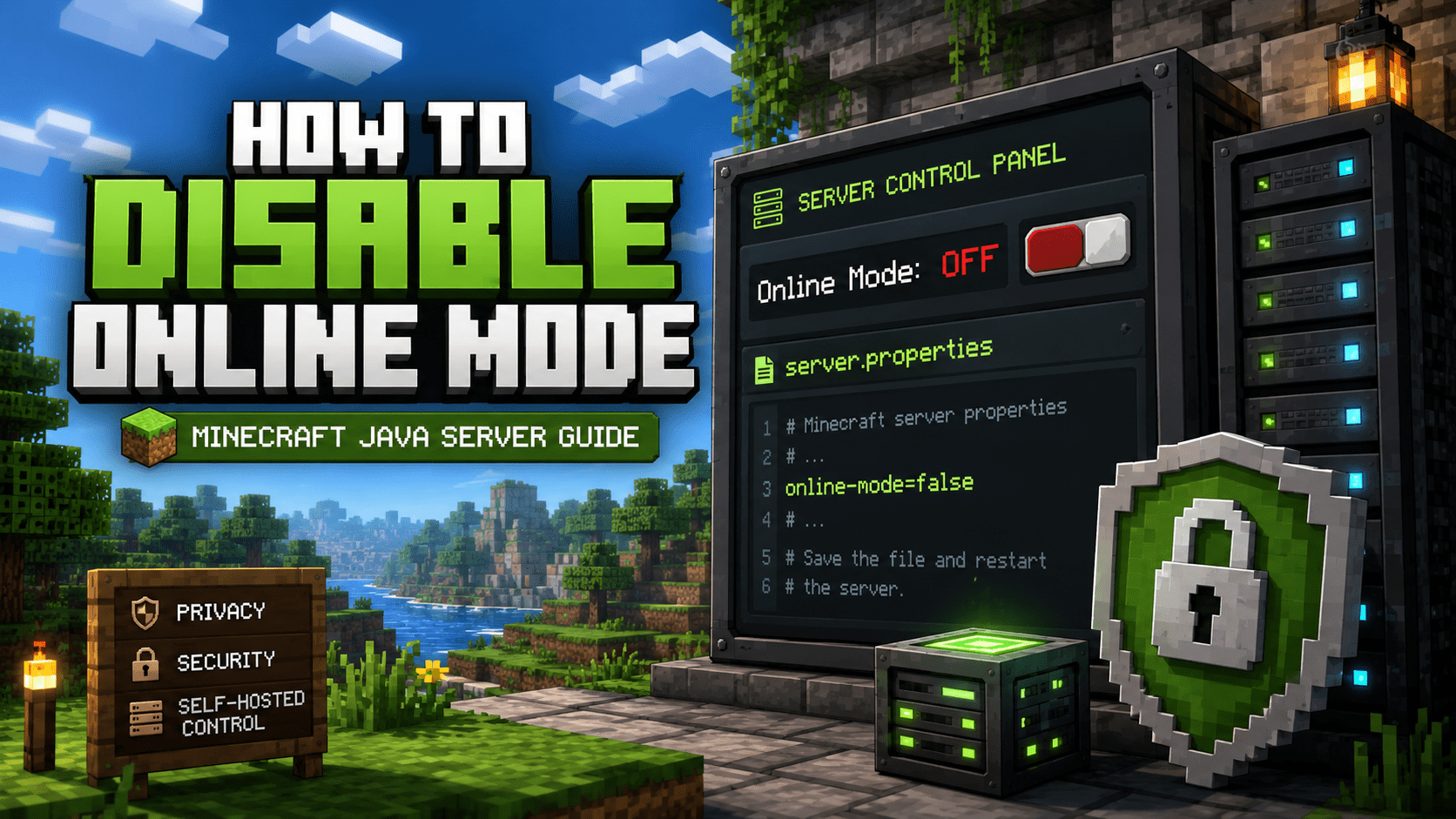
If you need to disable online mode Minecraft server authentication, you can do it by changing the online-mode setting inside your server’s server.properties file. This setting controls whether your Minecraft: Java Edition server checks conn
If you run a Paper or Spigot-based Minecraft server, learning how to edit server.properties Minecraft server settings correctly is one of the most useful skills you can have. The server.properties file controls many of the core rules and be
If you want to give someone access to help manage your Minecraft server (for example, a developer, moderator, or friend), you can invite them as a Subuser through your Minecraft Panel. This guide will show you exactly how to do it. Step 1: